
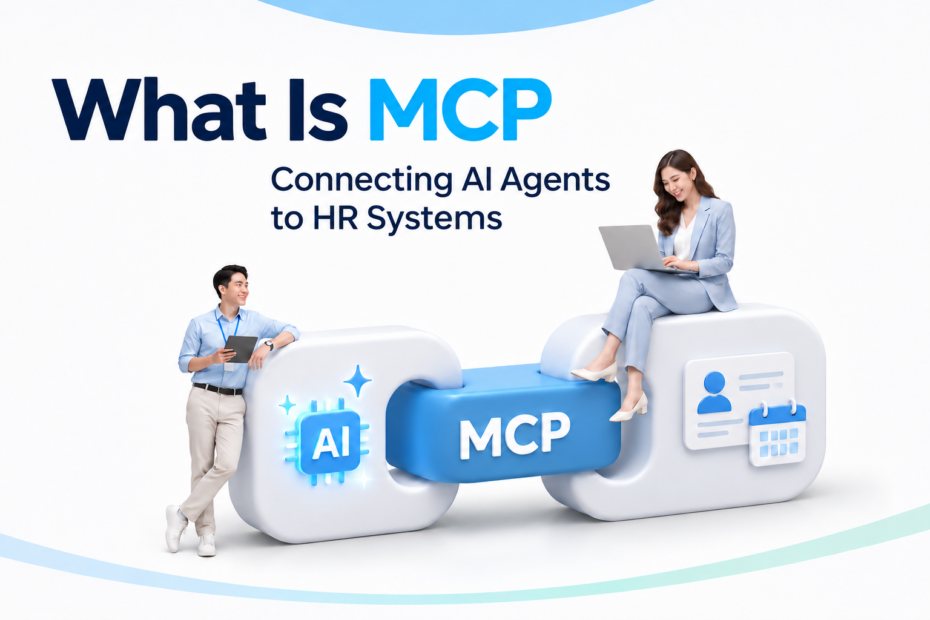
What Is MCP? MCP (Model Context Protocol) is an open standard that enables AI applications and AI Agents to connect seamlessly with external data, tools, and enterprise systems, such as Human Resource Management (HR) systems.
It allows AI to access authorized functions, such as checking remaining leave balances, retrieving employee policies, and summarizing HR reports, while ensuring that all interactions comply with the organization’s authentication requirements and data access permissions.
For HR professionals, business leaders, and IT teams, this technology creates opportunities to use AI with actual organizational data. Before establishing a connection, however, organizations need to understand how it works, its benefits, and its limitations.
COACH HCM provides AIRA, an AI assistant for HR that supports connectivity through MCP. This allows compatible AI clients to access data and invoke functions made available by the system, subject to the organization’s permissions and configuration. This article explains the principles of MCP and how it can be applied to HR.
Why AI for HR Needs to Connect to Enterprise Systems
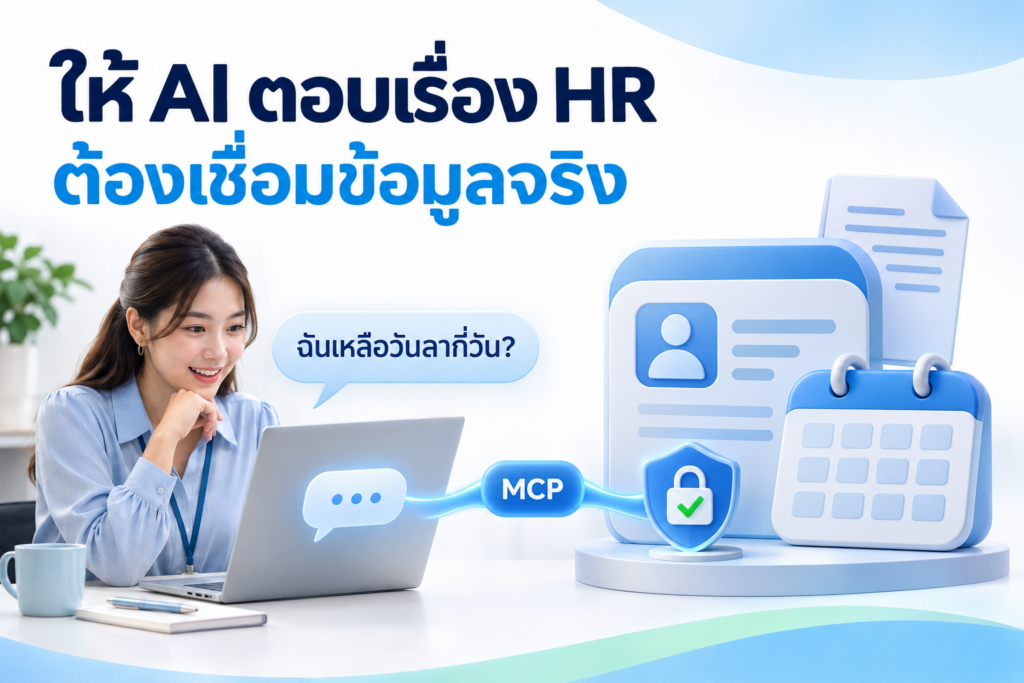
An AI application drawing on general knowledge may help draft a job description. However, answering a question such as “How many days of annual leave do I have left?” requires employee-specific information from the HR system and the appropriate access permissions for the person asking.
If HR has to export files for AI every time, this creates repetitive work and the risk of using different versions of the same data. A suitable connection allows information to be requested from designated sources when needed. How up to date that information is still depends on the source system’s update cycles and cached data.
For example, companies within the same group may have different holidays and benefits. An answer based on one company’s handbook may therefore be inappropriate for another. Before retrieving information, the system should identify the employee’s company and select the version of the document currently in effect. Connectivity enables access to information sources, but responsibility for correcting inaccurate data and outdated documents remains with the data owners.
What Is MCP and How Does It Work with HR Systems?
What Is an MCP Server? Understanding Host, Client, and Server
- Host: The AI application that the user interacts with.
- Client: The component that communicates with an MCP server according to the protocol.
- Server: A program that makes data or tools from external systems available for use.
In an HR context, the server may connect to a personnel system’s API and expose only approved capabilities, such as checking the user’s own leave balance or searching an employee handbook.
An MCP server exposes authorized data or tools to an AI application through MCP. It can use the HR system’s existing API behind the scenes. It does not automatically give AI unrestricted database access; authentication and authorization must still be enforced.
Example: Checking a Leave Balance
When an employee asks about their remaining leave balance, the system may proceed as follows:
- Verify the user’s identity.
- The AI selects the leave balance tool.
- The MCP client sends a request to the MCP server.
- The server and HR system check permissions before returning the data.
- The AI summarizes the leave balance and specifies the date to which it applies.
If the source system does not respond, the AI should explain that it cannot currently verify the balance, rather than infer it from earlier conversations. When submitting a leave request, the system should display the leave type, dates, and number of days for the employee to confirm before submission. It should also provide a way to check the request status to prevent duplicate submissions if the user clicks again.
What Are Tools, Resources, and Prompts?
The terminology for MCP tools, resources and prompts follows the official protocol documentation: MCP Documentation
An MCP server can expose capabilities through three types of components
| Component | Role and HR Examples |
|---|---|
| Tools | Functions that AI can request to invoke, such as checking a leave balance or creating a request. |
| Resources | Read-only information, such as employee handbooks and benefits policies. |
| Prompts | User-facing prompt templates, such as guidance for summarizing a report. |
Tools can also be used to retrieve information; they do not necessarily modify data. Appropriate access controls are required for all three component types.
How MCP Differs from APIs, RAG, and AI Agents
| Technology | Primary Role |
|---|---|
| API | An interface through which software accesses data or services. |
| MCP | A standard for connecting AI applications to external data and tools. |
| RAG | Retrieves information to support response generation. |
| AI Agent | AI software that selects and uses tools to carry out tasks toward a goal. |
An MCP server may call an HR system’s existing APIs. RAG may also be used to retrieve documents within a tool exposed through MCP.
AI agents do not need to use MCP in every situation. If an agent connects to only one system, direct API calls may be sufficient. The choice should reflect the number of systems involved, the platform’s capabilities, and ongoing maintenance costs.
How AI Agents and MCP Change HR Workflows
A general-purpose AI chatbot can answer based on information already supplied to it. An AI agent with approved enterprise tools can retrieve authorized records to support a response. MCP is one way to standardize that connection; it does not grant access on its own or guarantee correct answers.
A conventional chatbot focuses on answering questions, while an AI agent can select tools and coordinate steps to complete a task within defined boundaries. MCP provides a standard way for compatible AI applications to discover and call external capabilities. Agents do not always require MCP, and MCP does not guarantee correct decisions.
Traditional HR Tasks vs. AI Connected to HR Data
Leave balance: An employee previously opens ESS or asks HR; with an approved AI integration, the employee may ask conversationally and receive a checked balance with a reference date.
Request status: A user previously navigates multiple menus; an AI-connected tool may retrieve the status of authorized requests without granting approval rights.
HR reports: HR previously exports and formats data; a controlled AI workflow may summarize an authorized report using explicit time periods, definitions, and source references.
These are illustrative scenarios, not a claim that every feature is enabled in every deployment.
Five Examples of MCP Applications in HR Systems
The following are hypothetical use cases. Actual implementation depends on the source systems, connectors, and permissions made available.
1. Answering Questions About Policies and Benefits
AI can search for policies applicable to a particular company or employee group and provide answers with references, such as a document explaining dental reimbursement. Organizations should clearly identify document owners and effective dates. If the information cannot be verified, the question should be referred to HR.
2. Checking Information and Preparing Requests Through ESS
Employees may check the status of a request or prepare a draft leave request. The details should be displayed for confirmation before submission. Leave entitlements and conditions must still be checked against the HR system.
Employee information, time records, and leave data are part of COACH HCM’s HRM system, which includes Employee Self-Service (ESS) capabilities for submitting requests. Any functions invoked through MCP must remain within the scope enabled by the organization.
Explore employee data, time, leave and ESS features: COACH HCM HRM
3. Preparing Candidate Information from an ATS
An AI agent may summarize a candidate’s experience against a job description or prepare interview discussion points without adding information that does not appear in the résumé. Assessment criteria should be job-related, and hiring decisions should remain with the responsible decision-makers.
An appropriate output would distinguish between skills supported by evidence in the résumé, skills for which no information has been found, and questions for further verification. This helps interviewers understand the reasoning and avoids treating missing information as proof that a candidate lacks a particular skill.
4. Supporting Employee Development and IDPs
Connecting performance data, competency data, and training history may help draft an Individual Development Plan (IDP). Managers should review the draft alongside the role’s objectives and the employee’s input, rather than draw conclusions from a single set of scores.
Explore COACH HCM’s HRD system, which covers performance, competencies, and IDPs, to identify information that may support employee development. Allowing AI to read each data category must be consistent with the applicable permissions and integration scope.
Explore performance, competencies and individual development planning: COACH HCM HRD
5. Summarizing HR Analytics Reports
AI may summarize monthly changes in employee numbers. The definition of headcount, reporting cutoff date, and company scope must be consistent. If only resignation figures are available, the AI should not infer the reasons for resignations without supporting evidence.
How COACH HCM’s AIRA Connects Through MCP
COACH HCM provides AIRA, an AI assistant that helps users access information, analyze data, and perform HR tasks. AIRA supports connectivity through MCP, allowing compatible AI clients to use the HR data and functions made available by COACH HCM, subject to the organization’s permissions and configuration.
Learn more about the HR AI capabilities and product positioning: COACH HCM AI-Powered HR
The Roles of the AI Client and AIRA
The AI client is the application the user converses with, while MCP provides a standard for communicating with external capabilities. AIRA is an AI assistant that connects workflows with COACH HCM’s HR data and functions. COACH HCM, in turn, provides the organization’s HR data and processes.
Examples of AI clients include ChatGPT, Gemini, and Claude in products or environments that support MCP and have been configured for the connection. Actual use depends on the client’s capabilities, the user’s account, and the scope enabled by the organization. Supported environments should therefore be checked before use.
From a user’s perspective, a question is submitted through the AI client. The system then communicates through MCP with the available capabilities of AIRA and COACH HCM before returning data or transaction results to be summarized into an answer. This is a high-level explanation of the roles involved. The location of the MCP server and the authentication method depend on the deployed architecture.
What HR Tasks Can AIRA with MCP Support?
Potential use cases include employee information, clock-in and clock-out records, leave and holidays, pending approvals, HR reports, and team information. Only data and commands made available through MCP in the organization’s system should be selected. The following example questions can help define use cases and test the scope of access.
| User | Example Question | Scope to Define |
|---|---|---|
| Employee | How many days of annual leave do I have left? | The user’s own information, leave type, and reference date. |
| Manager | Which team requests are awaiting my approval? | Only the relevant team and items within the manager’s approval authority. |
| HR | Please summarize employee information by department. | Company, department, reporting period, and report access permissions. |
When an employee asks, “How many days of annual leave do I have left?”, the system must identify the person asking and retrieve the balance from an authorized source. The answer should state the leave type, remaining balance, and reference date. If the information cannot yet be verified, the system should explain this and direct the user to an appropriate channel instead of guessing a figure.
Distinguishing Data Retrieval from Transactions
Checking a leave balance, viewing pending approvals, and requesting a report summary are read operations. Submitting a leave request, updating information, and approving a transaction change the system’s state. Permission to read information does not automatically grant permission to perform every subsequent transaction.
If commands that modify data are enabled, the system should display the details for user confirmation before proceeding. Transactions must also follow the organization’s permissions and approval workflows. The scope of these commands must be checked against the tools actually supported; it should not be inferred solely from module names or illustrations.
An Illustrative AIRA with MCP Workflow
The following is an illustrative integration scenario rather than a claim that every tool is deployed in every customer environment. Before publishing deployment-specific statements, confirm available MCP tools, authentication, client compatibility, and permissions with Product and IT.
Consider an employee asking an MCP-compatible AI application, “How many annual leave days do I have left?” The system verifies the employee’s identity, the AI invokes an approved leave tool, the MCP client communicates with the MCP server, the relevant AIRA/COACH HCM services enforce access rules, and the AI returns the authorized balance with its reference date. If the source cannot be checked, the AI should not guess.
This is a conceptual architecture. Actual tool availability, server placement, permissions, and authentication must be verified for the deployment.
AI Governance and Human-in-the-Loop Decisions
Approval actions, personnel record changes, candidate decisions, and other consequential HR processes should remain subject to named process owners, appropriate human checks, and role-based permissions. Organizations also need incident escalation, audit practices proportionate to the risk, and a clear path to HR when data is incomplete.
Benefits and Risks Organizations Should Understand
For up-to-date security guidance on permissions, untrusted tools and authorization, consult: MCP Security Best Practices
MCP standardizes how data and tools are made available to compatible AI applications. It may reduce the work involved in finding and compiling information, but it does not guarantee that every system will connect immediately or that answers will always be correct.
Official documentation also identifies risks related to permissions, tokens, and connections. Appropriate controls must therefore be designed alongside the integration.
Defining Permissions and Preventing Data Leakage
Employees should be able to view their own information, while managers should see only the information within their assigned scope. Separate read and write permissions, transmit only the data needed, require confirmation before important transactions, and log usage without retaining more sensitive information than necessary.
Addressing Prompt Injection and Personal Data Risks
Text in résumés or documents may attempt to instruct AI to act outside the intended task. Organizations should enforce permissions within the system rather than rely on prompts alone. They should also assess the data sent to AI service providers in consultation with those responsible for personal data protection. Using MCP does not automatically establish compliance with the Personal Data Protection Act (PDPA).
Five Steps to Introducing MCP into HR
1. Choose a Measurable Use Case
Start with a clearly defined task, such as searching a handbook or checking the status of a request. Identify the users and define what counts as a successful response—for example, finding an answer with a supporting reference or correctly identifying when a question should be referred to HR. Avoid enabling every type of data and command at the outset.
2. Review the Data and Systems
Review APIs, data ownership, update cycles, and permissions. Check that employee IDs, companies, effective dates, and transaction statuses are consistent. Also define which system serves as the authoritative source when information conflicts.
3. Assign Responsibilities
HR should define the tasks and expected answers, while IT should manage connectivity and permission checks. Identify who approves additional tools and who receives issue reports, so it is clear who must act when an answer is incorrect or a source system becomes unavailable.
4. Test a Range of Scenarios
Include ambiguous questions, incomplete data, repeated calls, and requests to view other people’s information. Use appropriate test data and check both requests that should be allowed and those that must be denied before making the system available to a pilot group.
5. Measure Results Before Expanding
Compare information retrieval time, accuracy, referrals to HR, and incidents of access outside the permitted scope. Use the same question set and evaluation method before and after the pilot. If accuracy or permission issues arise, resolve them before increasing the number of users.
Conclusion MCP and the Future of AI for HR
MCP creates a standard interface between AI applications and enterprise capabilities. In HR, its practical value lies in retrieving trustworthy information, checking authorized workflows, and supporting analysis without bypassing employee privacy or organizational controls.
COACH HCM is the Human Capital Management platform from Puumsoft Co., Ltd. AIRA is its HR AI assistant. MCP connectivity is subject to supported capabilities, configuration, and permissions.
Frequently Asked Questions About MCP and HR Systems
Does MCP Make Every AI Answer Correct?
No. Even when information is retrieved from designated sources, AI may still misinterpret it. Responses should therefore include references, and important information should be verified.
Can MCP Be Used in Both Cloud and On-Premises Environments?
Solutions can be designed for either environment. Network requirements, authentication, and actual data flows must be assessed before deployment.
Does the AI Model Need to Be Retrained?
Connecting through MCP does not, in itself, require the model to be retrained. However, tool descriptions may need to be refined, and tool invocation should be tested.
Does COACH HCM Provide AIRA with MCP Support?
Yes. AIRA is COACH HCM’s AI assistant and supports connectivity through MCP to use the HR data and functions made available by the system. The scope of use depends on the organization’s permissions, configuration, and environment.
Do All AIRA Users See the Same HR Information?
No. Users should have access only to the data and functions permitted by the organization, such as their own information, team information, or reports within an authorized scope. MCP support alone does not replace the HR system’s access controls.
Can AIRA Perform Every HR Transaction Through MCP?
Only transactions made available by the system and permitted for the user can be performed. Read commands and commands that modify data must be assessed separately, including their confirmation and approval requirements, before actual use.